7 Web Design Trends Dominating 2026
Discover seven major web design trends for 2026, including AI, bento layouts, typography, motion, 3D, accessibility, and performance.

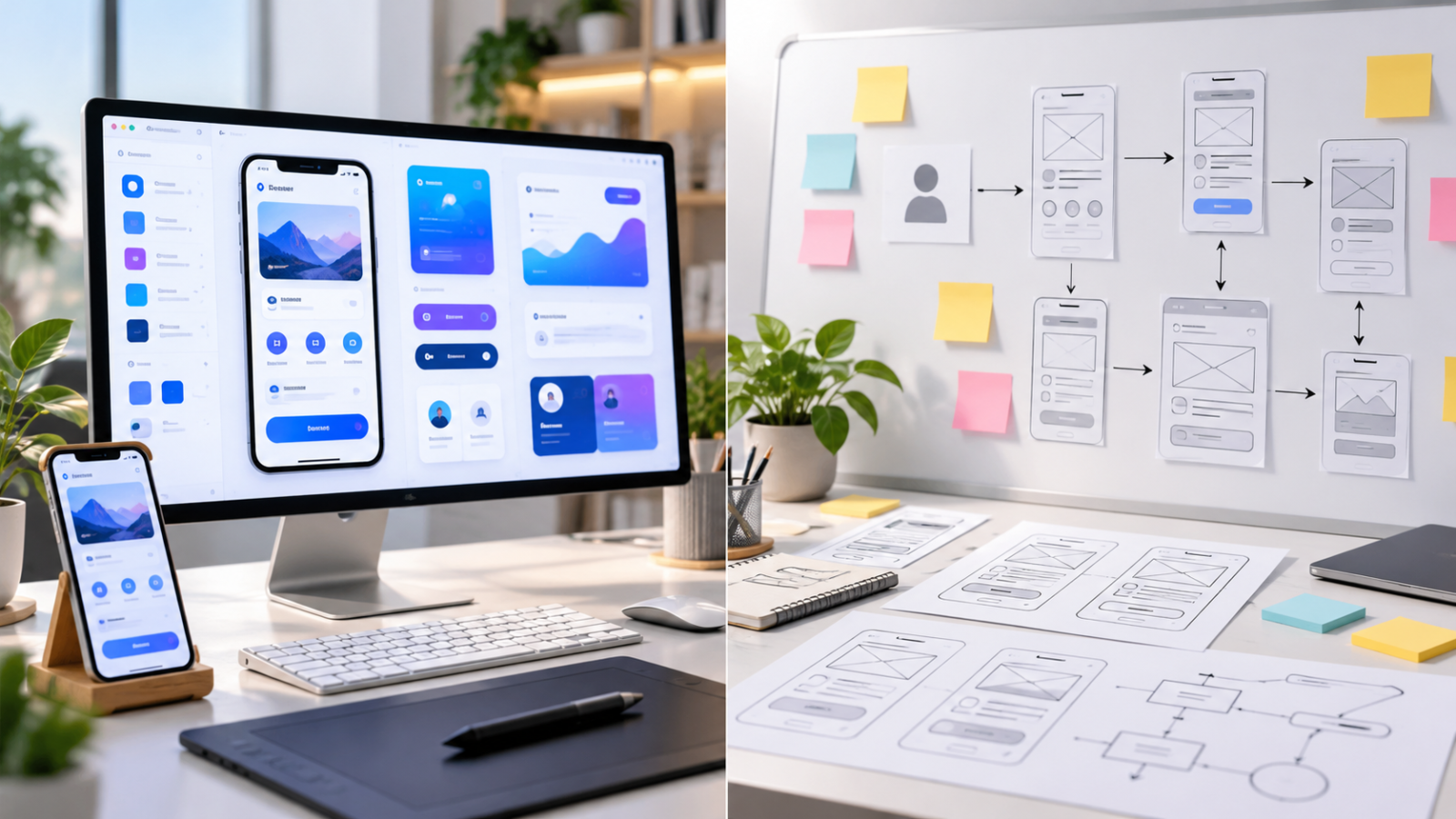
Web design in 2026 is moving beyond attractive layouts and decorative animation. Websites are becoming more interactive, personalized, visually distinctive, and technically demanding. AI-assisted design tools are changing production workflows, while accessibility and performance remain critical. For designers, developers, and business owners, the challenge is deciding which trends genuinely improve the experience and which simply add unnecessary complexity.
Quick Answer: The seven most important web design trends 2026 brings are AI-assisted experiences, bento grid layouts, expressive typography, purposeful microinteractions, immersive 3D visuals, accessibility-first design, and performance-focused responsive interfaces. The best websites combine these approaches selectively rather than applying every trend. Prioritize clear navigation, fast loading, readable content, and measurable user outcomes before adding visual complexity or animation.
1. AI-Assisted Design and Personalized Experiences
Artificial intelligence is influencing how websites are designed, built, and experienced. In 2026, AI tools are increasingly integrated into prototyping, content creation, code generation, and customer interactions.
Designers can use Figma Make to generate interactive prototypes, while tools such as Framer AI and Webflow’s AI capabilities help accelerate website creation. Developers can use Cursor and GitHub Copilot to assist with implementation, debugging, and repetitive tasks.
AI Personalization Is Becoming More Practical
AI-powered interfaces can adapt recommendations, search results, and assistance based on user intent. Ecommerce platforms might suggest relevant products, while SaaS websites can guide visitors toward features that match their needs.
However, personalization should never obscure essential navigation or make users feel monitored. Give visitors predictable controls, disclose meaningful AI interactions, and collect only the data necessary for the experience.
In September 2026, Smashing Magazine explored how AI interfaces are shifting toward intent-driven interactions rather than relying exclusively on conventional forms and menus.
Practical application: Start with AI-assisted search, guided onboarding, or contextual help. Measure whether visitors complete tasks faster before expanding into more complex personalization.
2. Bento Grid Layouts and Modular Content
Bento grids divide content into rectangular cards of different sizes. Instead of repeating identical horizontal sections, designers organize features and information within a structured, flexible layout.
Apple popularized this visual approach across product presentations, while companies such as Linear have helped establish modular, card-based layouts in modern software marketing.
Why Bento Grids Work
The strongest advantage is visual hierarchy. A large card can emphasize the main product benefit, while smaller cards communicate supporting features without requiring lengthy paragraphs.
Bento grids work particularly well for SaaS landing pages, product dashboards, portfolios, and technology websites.
In Figma, designers can prototype these layouts using Auto Layout and reusable components. Developers can implement them with CSS Grid, grid-template-areas, and responsive breakpoints.
For example, a project management website might feature a large task dashboard preview alongside smaller cards for collaboration, automation, and reporting.
Practical application: Limit feature sections to roughly four to eight meaningful cards, maintain consistent gaps, and collapse the layout into a logical reading order on mobile. Avoid making everything the same visual priority.
3. Expressive Typography and Editorial Web Design
Typography is becoming a more prominent part of website identity. Designers are using oversized headings, contrasting type scales, refined serif and sans-serif combinations, and editorial-inspired layouts.
This approach helps brands establish personality without relying heavily on illustrations or complicated visual effects.
Variable Fonts Offer Greater Flexibility
Variable fonts allow multiple weights, widths, or other supported typographic variations within a font file. This makes them useful for responsive typography and consistent brand presentation.
Google Fonts offers options such as Inter, Roboto Flex, and Manrope. Designers can combine expressive headlines with highly readable body typography.
For example, a creative agency might use an oversized headline at desktop widths and scale it fluidly using CSS clamp() rather than maintaining many separate font-size rules.
The goal is expressive hierarchy, not oversized text everywhere. Users still need comfortable line lengths, sufficient contrast, and predictable reading order.
Practical application: Use one strong display typeface, one readable body style, and a consistent type scale. Test long headings on small screens before approving the design.
4. Purposeful Microinteractions and Scroll Animation
Microinteractions are small interface responses triggered by user actions. They include button feedback, progress indicators, animated navigation states, and subtle transitions between interface elements.
These details can make websites feel more responsive and understandable when they communicate meaningful information.
Motion Should Explain, Not Distract
A button that visually responds to a click confirms the action. A progress animation communicates system activity. A smoothly expanding accordion helps users understand where additional content appears.
Tools such as GSAP, Framer Motion, and Webflow Interactions support sophisticated animation workflows. Native CSS transitions and the View Transitions API can also handle many interactions without extensive animation libraries.
Animations should remain short enough to avoid delaying tasks. A common starting range for simple UI transitions is approximately 150 to 300 milliseconds, although the appropriate duration depends on the interaction.
Respect reduced-motion preferences and ensure essential information remains accessible when animations are disabled.
Practical application: Add feedback to navigation, forms, and interactive controls before experimenting with elaborate scrolling sequences.
5. Immersive 3D Elements and Interactive Product Visuals
Three-dimensional visuals are becoming more accessible through browser rendering improvements and design tools that simplify asset production.
Instead of relying exclusively on static product photographs, brands can present interactive objects, layered illustrations, and spatial interface elements.
Where 3D Actually Adds Value
Interactive product previews can help customers understand complex products. Furniture retailers, automotive websites, and consumer electronics brands can benefit from allowing visitors to inspect shapes, materials, and details.
Tools such as Spline support interactive 3D scenes, while Three.js provides a flexible development library for browser-based 3D experiences.
However, a complex 3D background is rarely justified on a straightforward contact page or information-heavy dashboard. Real-time rendering introduces performance, accessibility, and device compatibility considerations.
Use optimized assets, compressed textures, controlled lighting, and static fallback images. Test interactions on ordinary smartphones rather than assuming every visitor uses a powerful desktop computer.
Practical application: Use 3D when spatial understanding improves purchasing or comprehension. Avoid it when a conventional image communicates the same information more efficiently.
6. Accessibility-First and Inclusive Interface Design
Accessibility is not simply another visual style. It is a fundamental quality requirement gaining greater attention as interfaces become more complex.
The WebAIM Million 2026 report analyzed one million homepages and found detectable WCAG failures on 95.9% of them. Its automated testing identified an average of 56.1 accessibility errors per homepage.
The same study found low-contrast text on 83.9% of analyzed homepages. These findings demonstrate that common accessibility problems remain widespread, although automated testing cannot identify every issue.
Design Beyond Visual Appearance
Accessible websites require readable contrast, keyboard navigation, clear focus indicators, properly labeled form controls, meaningful alternative text, and understandable error messages.
Designers should also account for touch target sizes, cognitive load, text resizing, and reduced-motion preferences.
Figma plugins can assist with contrast checking, while axe DevTools, Lighthouse, and WAVE help identify implementation problems. Automated tools should be supplemented with keyboard and assistive-technology testing.
Understanding the relationship between UI vs UX design is important here. Accessible interfaces require both appropriate visual choices and thoughtful interaction design.
Practical application: Build accessibility requirements into components from the beginning rather than treating them as a final quality check.
7. Performance-First Responsive Design
Performance is becoming inseparable from interface quality. Even impressive websites can frustrate visitors when images load slowly, animations stutter, or interactive controls respond late.
Google’s Core Web Vitals provide practical performance targets that teams can measure using real-user data.
Core Web Vitals to Monitor
| Metric | What It Measures | Good Threshold |
|---|---|---|
| Largest Contentful Paint (LCP) | Main content loading | 2.5 seconds or less |
| Interaction to Next Paint (INP) | Interaction responsiveness | 200 milliseconds or less |
| Cumulative Layout Shift (CLS) | Unexpected layout movement | 0.1 or less |
Google recommends evaluating these thresholds at the 75th percentile of real user experiences.
Modern responsive design also extends beyond traditional desktop and mobile layouts. CSS container queries allow components to adapt according to their available space, making modular interfaces easier to maintain.
Other practical techniques include AVIF or WebP images, responsive image sizes, lazy loading, font optimization, and careful JavaScript management.
Practical application: Test your website with PageSpeed Insights and Chrome DevTools. Fix major performance problems before adding expensive visual effects.
Which Web Design Trends Should You Actually Use?
Not every trend belongs on every website. A small service business, ecommerce store, and SaaS platform have different audiences and goals.
The following comparison can help prioritize investment.
| Trend | Best Use Case | Main Risk |
|---|---|---|
| AI-assisted experiences | SaaS, ecommerce, complex support | Unreliable or intrusive interactions |
| Bento grids | Product pages, portfolios | Weak information hierarchy |
| Expressive typography | Agencies, editorial websites | Poor mobile readability |
| Microinteractions | Forms, navigation, dashboards | Distracting motion |
| Interactive 3D | Product demonstrations | Performance overhead |
| Accessibility-first design | Every website | Incomplete testing |
| Performance-first design | Every website | Overoptimization without user context |
Businesses with limited budgets should prioritize accessibility, responsive behavior, readable typography, and performance. After those fundamentals are reliable, introduce bento layouts, motion, or immersive visuals where they support meaningful objectives.
How to Apply These Trends to an Existing Website
You don’t need a complete redesign to improve an established website. A focused five-step process is often more manageable.
- Audit the current experience. Identify navigation problems, slow pages, readability issues, and inconsistent components using analytics and usability testing.
- Choose two relevant improvements. For example, introduce clearer typography and modular content cards rather than changing every visual element.
- Create reusable components. Maintain colors, spacing, typography, and interactions through documented design systems.
- Build and test a prototype. Use Figma, Framer, Webflow, or WordPress with Elementor depending on the project’s requirements and existing technology.
- Measure performance after launch. Review conversion events, engagement, accessibility, and Core Web Vitals before expanding the changes.
For businesses that need frequent design updates, comparing an unlimited design subscription with hiring a dedicated designer may help determine the most suitable ongoing workflow.
Maintain a record of what changed and why. This makes future design decisions easier to evaluate.
Frequently Asked Questions
1. What are the biggest web design trends in 2026?
The biggest web design trends in 2026 include AI-assisted experiences, bento grid layouts, expressive typography, meaningful microinteractions, interactive 3D visuals, accessibility-first design, and performance-focused responsive interfaces. Their relevance varies by industry. For most business websites, improving usability, speed, readability, and consistent navigation delivers more practical value than adopting every visual trend.
2. Is minimalist web design still popular in 2026?
Yes. Minimalist design remains relevant, although many modern websites combine simple structures with expressive typography, subtle animation, and modular content layouts. Effective minimalism focuses on reducing unnecessary complexity rather than removing useful information. Clear spacing, readable content, consistent navigation, and strong visual hierarchy make minimalist approaches particularly appropriate for professional services and software products.
3. Will AI replace web designers in 2026?
AI is automating parts of web design production, including initial layouts, interface variations, image generation, and code assistance. However, effective web design still requires understanding users, defining business goals, evaluating accessibility, and making informed decisions. Designers who combine AI-assisted workflows with research, visual judgment, and implementation knowledge remain valuable contributors to digital projects.
4. What is the best web design style for a small business?
Most small businesses benefit from a clean, responsive design with clear service information, accessible navigation, trustworthy visuals, and prominent calls to action. The right aesthetic depends on the audience and industry. A professional consulting firm may favor restrained typography, while a creative studio can use more expressive layouts. Prioritize clarity and conversion over decoration.
5. How can I make my website look modern without redesigning it?
Start by improving typography, spacing, content hierarchy, and mobile responsiveness. Replace outdated imagery, simplify navigation, standardize buttons, and improve page loading performance. You can introduce modern elements such as bento grids or subtle microinteractions within existing sections. Test each improvement carefully so visual changes support usability rather than disrupt familiar customer journeys.
Conclusion: Choose Trends That Improve the Experience
The most useful web design trends 2026 offers combine visual quality with practical performance. AI-assisted experiences, modular layouts, expressive typography, and interactive visuals create new creative possibilities, but they should support clear user goals rather than compete for attention.
Accessibility, responsiveness, and loading performance remain essential regardless of the visual direction you choose.
For designers and businesses, the strongest approach is selective adoption. Identify the problems your visitors experience, choose trends that address those problems, and measure the results. A website that is clear, fast, accessible, and easy to use will remain valuable long after individual visual styles change.