How to Detect Deepfakes: 7 Signs an Image or Video Is AI-Generated
Discover 7 warning signs of AI-generated images and videos, plus practical tools and steps to verify suspicious digital content.

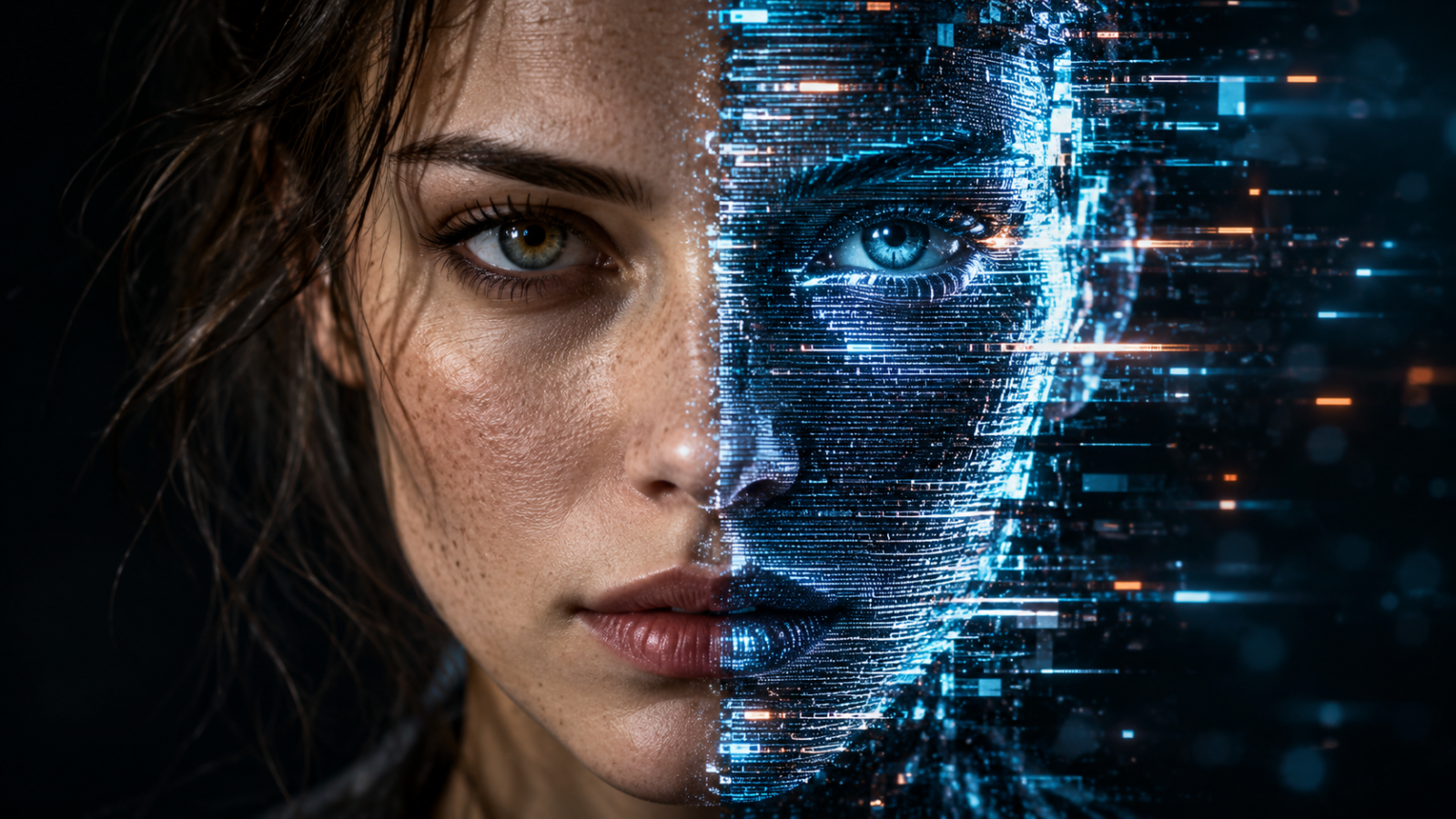
A video of a politician making a shocking statement. A celebrity promoting an unfamiliar investment platform. A voice message from your manager requesting an urgent bank transfer. Any of these could be genuine, manipulated, or entirely AI-generated. Learning how to detect deepfakes is now an essential digital literacy skill, especially as AI-generated images, videos, and audio become increasingly realistic in 2026.
Quick Answer: To detect deepfakes, examine facial details, lighting, shadows, lip movements, audio consistency, backgrounds, and unusual visual artifacts. Then verify the content’s original source using reverse image searches, official accounts, and provenance tools such as Google SynthID or Content Credentials. No single visual clue or AI detector is completely reliable, so combine multiple verification methods before reaching a conclusion.
What Are Deepfakes and How Do They Work?
Deepfakes are synthetic or manipulated images, videos, and audio recordings created using artificial intelligence. They can replace someone’s face, imitate a recognizable voice, generate fictional events, or make real people appear to say things they never said.
Modern generative AI systems learn statistical patterns from training data and use those patterns to produce new content. Diffusion models and transformer-based systems can generate convincing faces, movements, speech, and entire scenes.
Tools such as OpenAI Sora 2, Google Veo, Runway, and Midjourney have made sophisticated synthetic media more accessible. These tools have legitimate creative applications, but similar capabilities can also support impersonation, misinformation, and fraud.
Not every AI-generated image is malicious. The concern arises when synthetic content is presented as authentic evidence or used to manipulate someone’s decisions.
Why Deepfake Detection Is Getting Harder
Earlier AI-generated portraits frequently contained distorted hands, unnatural eyes, or visibly inconsistent backgrounds. Newer generation systems are considerably better at preserving realistic details.
In September 2024, Deloitte reported that 51.6% of surveyed executives expected deepfake attacks targeting financial and accounting data to increase during the following year. The same poll found that 25.9% reported at least one such incident in the preceding year.
These figures demonstrate why verification matters beyond social media. Deepfakes can affect businesses, families, journalists, and anyone receiving suspicious digital communications.
7 Signs an Image or Video Might Be AI-Generated
There is no universal visual fingerprint that identifies every deepfake. However, the following seven warning signs can help you decide when closer investigation is necessary.
1. Unnatural Facial Details and Expressions
Look carefully at how a person’s face behaves throughout a video. Artificially generated faces sometimes display unusual expressions, inconsistent wrinkles, or subtle changes in facial structure between frames.
Pay particular attention to the transition between the cheeks, mouth, jawline, and neck. A face may appear convincing in a still frame but behave strangely during rapid movement.
For example, someone’s smile might change shape abruptly while they turn their head. This does not prove manipulation, but it provides a useful reason to investigate further.
Do not rely on outdated assumptions that every AI face has visibly imperfect teeth or eyes. Modern models can reproduce these features accurately.
2. Inconsistent Lighting, Shadows, and Reflections
Lighting must behave consistently across a believable physical scene. If someone’s face is illuminated from the left, surrounding objects should generally show compatible lighting conditions.
Examine shadows around the nose, chin, glasses, and hairline. Reflections in mirrors, sunglasses, and windows may also reveal inconsistencies.
Imagine an image showing a person standing beside a reflective window. If their clothing or facial position differs inexplicably from the reflection, the image deserves closer examination.
Remember that flash photography, multiple lights, image compression, and unusual camera angles can create legitimate inconsistencies.
3. Lip Movements That Do Not Match Speech
One common video manipulation technique involves making a person’s mouth appear to speak words that were never recorded.
Watch whether lip shapes align naturally with speech sounds. Sounds involving the lips, such as “p,” “b,” and “m,” are particularly useful because they normally require visible mouth closure.
Other warning signs include abrupt jaw movements, unusual transitions between expressions, and speech that appears disconnected from breathing.
However, video-call latency, dubbing, and poor synchronization can produce similar effects. Lip-sync problems should raise suspicion rather than establish certainty.
4. Strange Hands, Objects, or Background Details
AI image generators can still make mistakes when rendering complicated interactions between objects. Look for fingers blending into items, jewelry changing shape, or objects appearing to merge with surrounding surfaces.
Backgrounds may contain impossible geometry, inconsistent patterns, or repeating details. Signs and packaging can also include distorted or meaningless characters.
Consider a supposed event photograph showing a speaker holding a microphone. If the microphone cable disappears into their sleeve or changes position unnaturally, inspect the image more closely.
These artifacts are becoming less dependable as generation models improve. Their presence is informative, but their absence means very little.
5. Audio That Sounds Artificial or Emotionally Inconsistent
Voice cloning can reproduce someone’s tone, accent, and speaking style using AI. A convincing synthetic voice may sound familiar enough to persuade a listener to trust an urgent request.
Possible warning signs include unnatural breathing, awkward pauses, inconsistent pronunciation, and emotional delivery that does not match the situation.
For example, a caller claiming to be a distressed relative might speak with strangely uniform pacing throughout the conversation.
Voice quality alone cannot establish authenticity. If a call involves money, credentials, or sensitive information, end the conversation and contact the person through a previously verified number.
6. Inconsistent Movement Between Video Frames
Video generation must maintain consistency across time, not just within individual frames. This creates opportunities for errors involving movement, object positioning, and physical interactions.
Watch hair, earrings, eyeglasses, hands, and clothing as subjects move. Objects may briefly change shape, disappear, or behave in ways that violate ordinary physical expectations.
A person walking through a crowd might appear realistic until another individual crosses in front of them. At that moment, facial details or body positioning may change unexpectedly.
Pause the video at several points rather than judging it from a single screenshot. Slowing playback can make temporal inconsistencies easier to identify.
7. A Suspicious Source or Story That Cannot Be Verified
The most important warning sign often has nothing to do with image quality. A shocking video published by an anonymous account without an original source should be treated cautiously.
Ask who recorded the material, when it was published, and whether independent sources confirm the claimed event.
For example, if a viral video supposedly shows a major company announcing bankruptcy, check its official communications and reputable financial reporting.
A video can also be completely authentic while its caption is misleading. Detecting misinformation requires verifying the surrounding context, not merely deciding whether the pixels were AI-generated.
How to Detect Deepfakes Using Verification Tools
Visual inspection is useful, but specialized tools can provide additional evidence about an image or video’s origin.
Reverse Image Search
Google Lens and TinEye help locate earlier appearances of an image. This can expose misleading captions, reused photographs, and content falsely associated with recent events.
Save a screenshot or upload the image, then compare the oldest relevant results with the current claim. Matching an older source does not automatically prove a deepfake, but it can establish that the accompanying story is false.
Google SynthID and Gemini
Google DeepMind developed SynthID to embed imperceptible watermarks into supported AI-generated content. Google announced in November 2025 that more than 20 billion pieces of AI-generated content had been watermarked using the technology.
Google’s Gemini app can help examine supported images for SynthID signals. A detected watermark provides useful evidence of AI generation or editing using compatible tools.
However, the absence of a detected watermark does not prove authenticity. Other generators, transformations, and unsupported files may not produce a recognizable result.
Content Credentials and C2PA
Content Credentials use the C2PA provenance standard to provide signed information about a media file’s origin and editing history.
Adobe Content Authenticity Inspect and compatible verification tools can examine available credentials. When a valid credential exists, it may identify the software or organization associated with the file.
Credentials are not universal, and metadata can disappear during screenshots, exports, or social media uploads. A missing credential should never be interpreted as proof that a file is fake.
AI Detection Services
Services such as Hive and Reality Defender analyze media for signs of synthetic generation or manipulation. Their output may help investigators prioritize suspicious material.
These systems can produce false positives and false negatives. Their results should be treated as supporting evidence rather than a definitive verdict.
| Method | What it checks | Main limitation |
|---|---|---|
| Visual inspection | Faces, lighting, movement | High-quality fakes may look natural |
| Google Lens | Earlier image appearances | Cannot directly prove AI generation |
| SynthID verification | Compatible AI watermarks | Does not cover every generator |
| Content Credentials | Signed origin and edit history | Credentials may be absent |
| AI detection services | Statistical manipulation signals | Predictions can be inaccurate |
A Practical 5-Step Deepfake Verification Process
When suspicious media appears in your inbox or social feed, follow this sequence before sharing it or taking action.
- Identify the claim. Determine exactly what the image, recording, or video is being presented as evidence for. Separate the visible content from the accompanying caption.
- Inspect the media. Look for unusual lighting, inconsistent movement, facial artifacts, and audio problems. Record suspicious details without treating them as conclusive.
- Find the original source. Use Google Lens, TinEye, official websites, and credible reporting to locate earlier versions or independent confirmation.
- Check provenance. Examine available Content Credentials, supported AI watermarks, or other technical indicators. Remember that missing evidence is not proof of authenticity.
- Verify independently. Contact the supposedly involved person or organization through a trusted channel, especially when the content requests payment, passwords, or sensitive information.
For example, a WhatsApp video appearing to show your employer requesting an emergency transfer should never be enough to authorize payment. Confirm the instruction through the company’s established approval process.
How to Protect Yourself From Deepfake Scams
Detection is only one part of the solution. Strong account security and clear communication habits reduce the damage an impersonation attempt can cause.
Begin with the fundamentals described in our cybersecurity basics guide: unique passwords, passkeys, multifactor authentication, software updates, and phishing awareness.
For personal financial requests, verify unexpected calls using known contact information. Families may also establish a private verification phrase, although it should complement rather than replace independent confirmation.
Organizations should require a second approval channel for unusual payments or account changes. A realistic video meeting must not override financial controls.
Automated workflows introduce another consideration. As discussed in AI agents explained, software agents can perform actions across connected tools. Limit their permissions and require human confirmation for high-risk transactions rather than trusting unverified instructions embedded in messages or documents.
Frequently Asked Questions
How can you tell if a picture is AI-generated?
Inspect facial features, hands, reflections, lighting, background objects, and unusual visual details. Then use Google Lens to search for earlier appearances and check whether the file contains Content Credentials or recognizable AI watermarks. No individual clue guarantees an answer, so combine technical evidence with source verification before labeling a picture as AI-generated.
Can AI-generated videos be detected reliably?
Some AI-generated videos can be identified through visible inconsistencies, provenance records, or supported watermark detection. However, no publicly available method reliably identifies every synthetic video. Detection becomes especially difficult after compression, editing, or re-recording. Independent confirmation of the event and the original source remains essential when accuracy matters.
What is the best free tool to detect deepfakes?
Google Lens is a useful free starting point because it can identify reused images and locate earlier sources. Google’s Gemini also offers verification capabilities for supported AI-generated content. Neither provides universal detection. The most effective free approach combines reverse image searches, provenance checks, and comparison with trustworthy original sources.
Can deepfake audio imitate someone’s voice perfectly?
AI voice cloning can reproduce familiar vocal characteristics convincingly, especially in short recordings. Some generated speech still contains unusual pauses, breathing patterns, or pronunciation, but these clues are unreliable. If someone requests an urgent payment or confidential information, verify their identity using a previously established communication channel, regardless of how familiar their voice sounds.
Are deepfakes illegal in the United States?
Deepfakes are not automatically illegal simply because they are AI-generated. Their legality depends on how they are created and used, along with applicable federal and state laws. Fraud, impersonation, nonconsensual intimate imagery, and certain election-related uses may trigger legal consequences. Rules vary by jurisdiction, so specific cases require current legal guidance.
Conclusion: Verify the Source, Not Just the Pixels
Learning how to detect deepfakes in 2026 means moving beyond simple visual tricks. Facial inconsistencies, unusual reflections, artificial voices, and unstable movements can raise suspicion, but increasingly capable AI systems can produce convincing results without obvious mistakes.
The most dependable approach combines media inspection with reverse searches, provenance tools, independent reporting, and direct confirmation from trusted sources. Treat automated detection scores as evidence to examine, not final judgments.
The key takeaway: Before trusting or sharing suspicious digital content, verify who created it, where it originated, and whether its claims can be independently confirmed. A few additional checks can prevent costly mistakes.